
Surveys
Ask your customers a few questions and let Core collect the answers in a conversation.
A survey asks the same questions to many people, such as guests after their stay or customers after a delivery. Instead of a form, each person answers in a short conversation, and Core checks that every answer actually addresses its question.
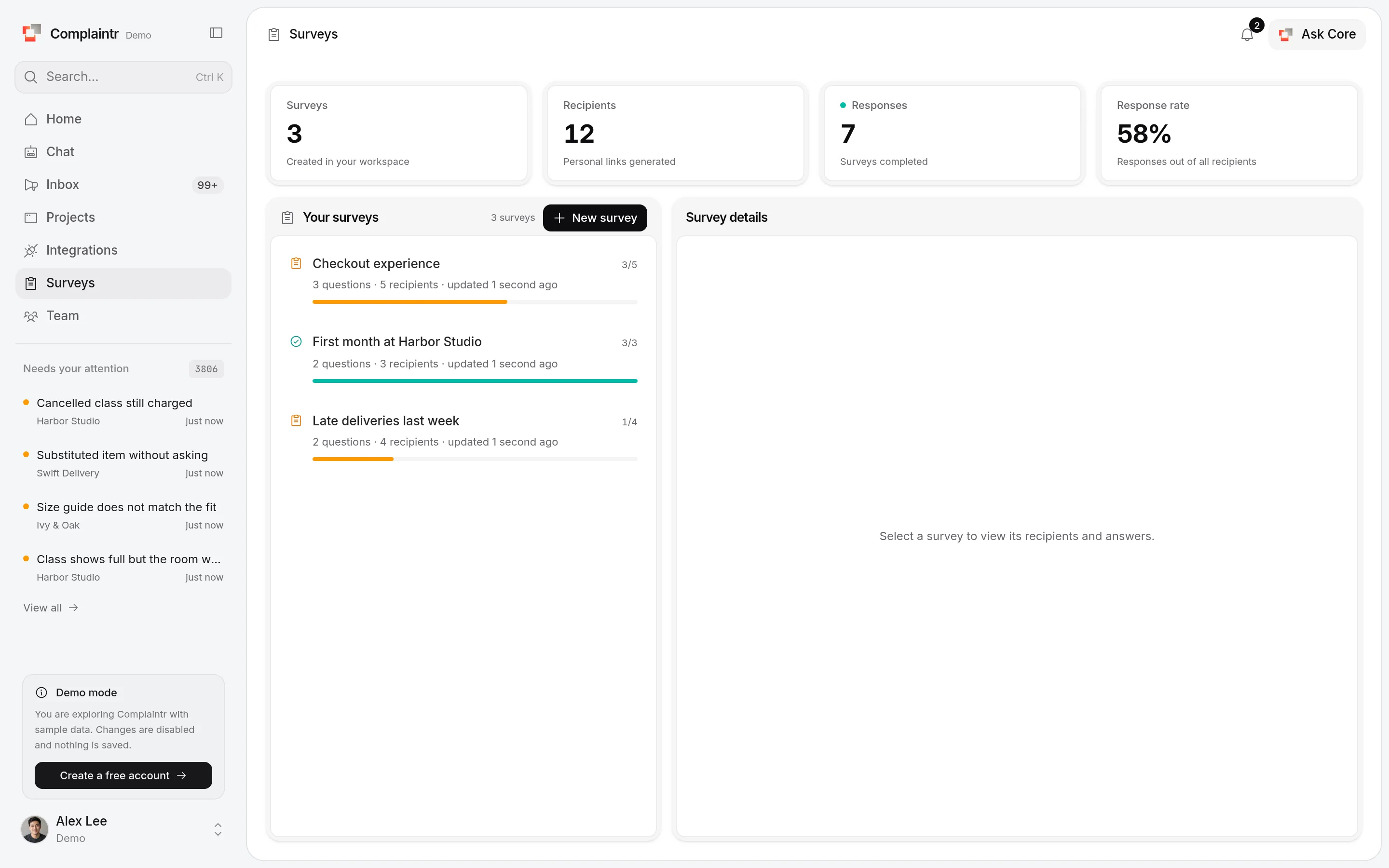
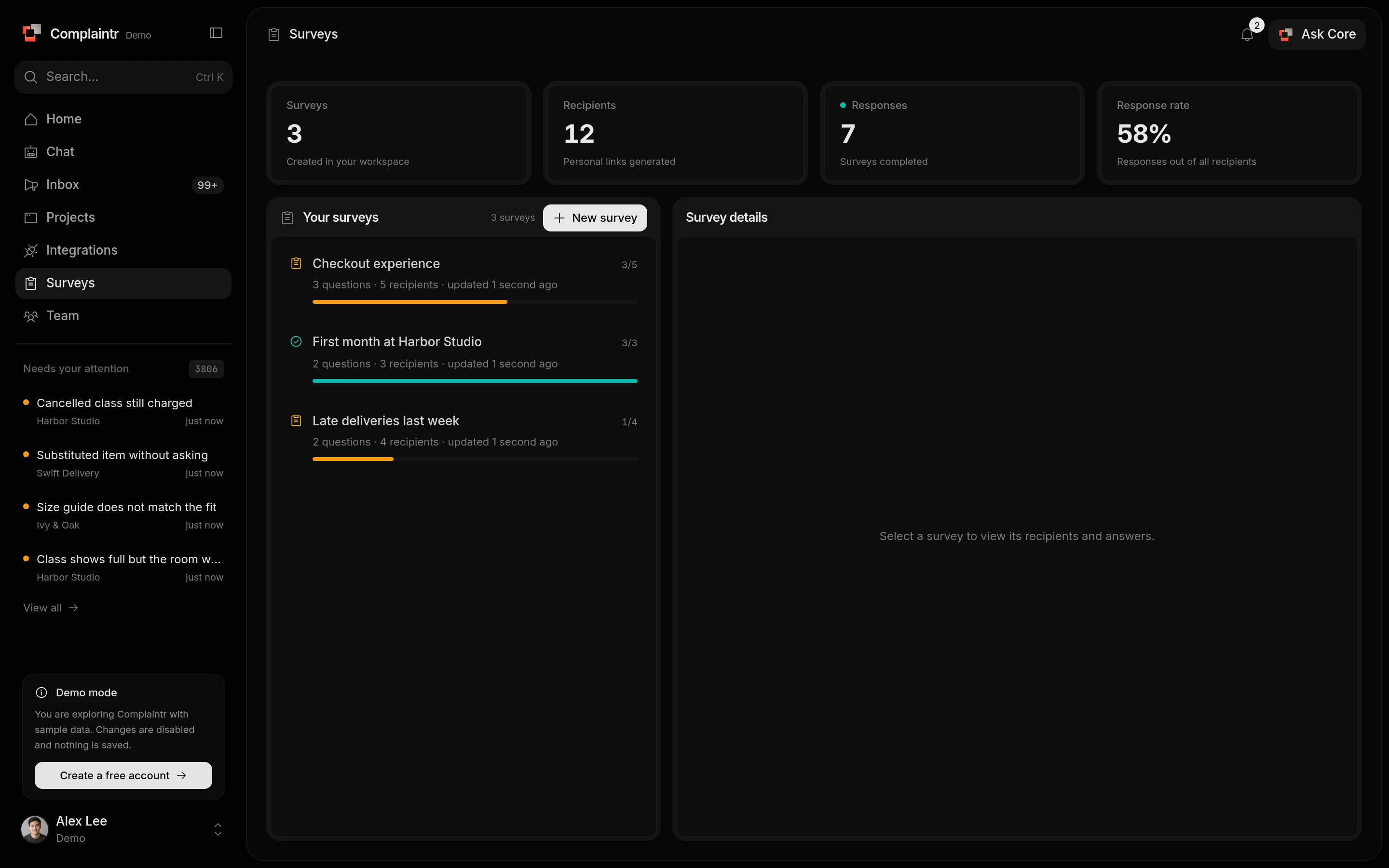
Create a survey
Open Surveys and click New survey.
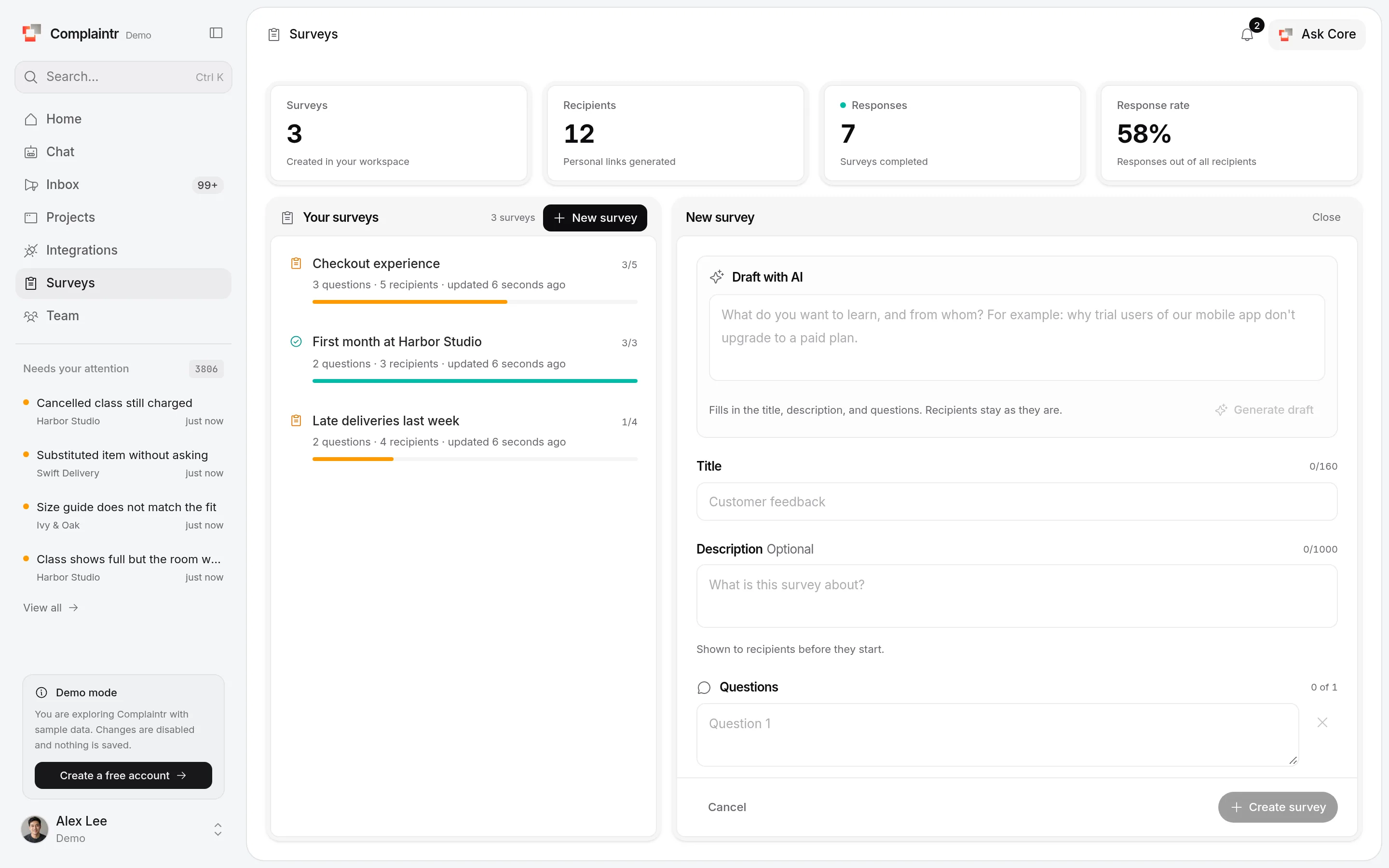
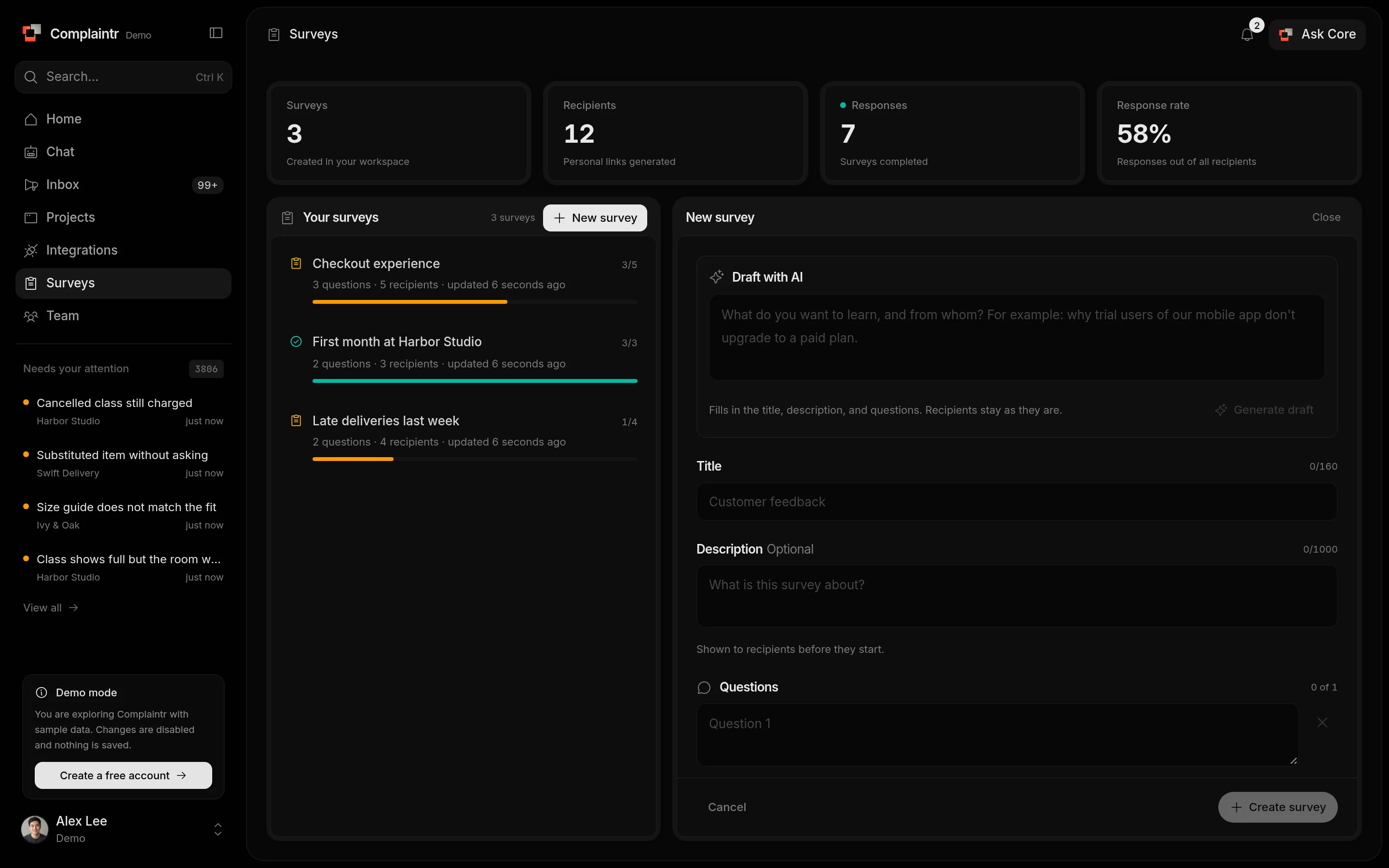
- Optional: describe what you want to learn under Draft with AI and click Generate draft (or press ⌘ Enter). Core fills in the title, description, and questions for you to review.
- Enter a Title (up to 160 characters) and an optional Description, which people see before they start.
- Add your Questions. Write them the way you would ask them; answers are free text.
- Add Recipients, one per line: a name, or a name and email such as
Alex Kim <[email protected]>, up to 500. Leave it empty for a survey you only offer in the widget. - Click Create survey.
You can also ask Core in Chat to create a survey. It shows the whole survey and saves it only after you approve.
Send the links
Select the survey, open a recipient, and click Copy personal link. Send it however you like, for example in your booking confirmation email or a message. Complaintr does not send survey emails. Each link belongs to one person and can be answered once.
Offer it in your widget
A project can offer one of your active surveys on its widget's Home screen: pick it under Survey on Home on the widget's Appearance tab. Visitors answer inside the widget, one question at a time. Each device answers once, and a visitor who closes the widget picks up where they stopped.
Their answers appear with the survey's other recipients as Widget visitor.
What people see
The link opens a conversation that needs no account. Core asks one question at a time with Question 2 of 3 style progress, and asks again when an answer misses the question. If the connection drops, Retry last answer sends it again without answering twice.
Read the answers
The survey shows how many people finished. Open a recipient to see each question with their answer, or Waiting if they have not finished.
Delete a survey
The trash icon deletes the survey, every link, and every answer. It cannot be undone.