
Overview
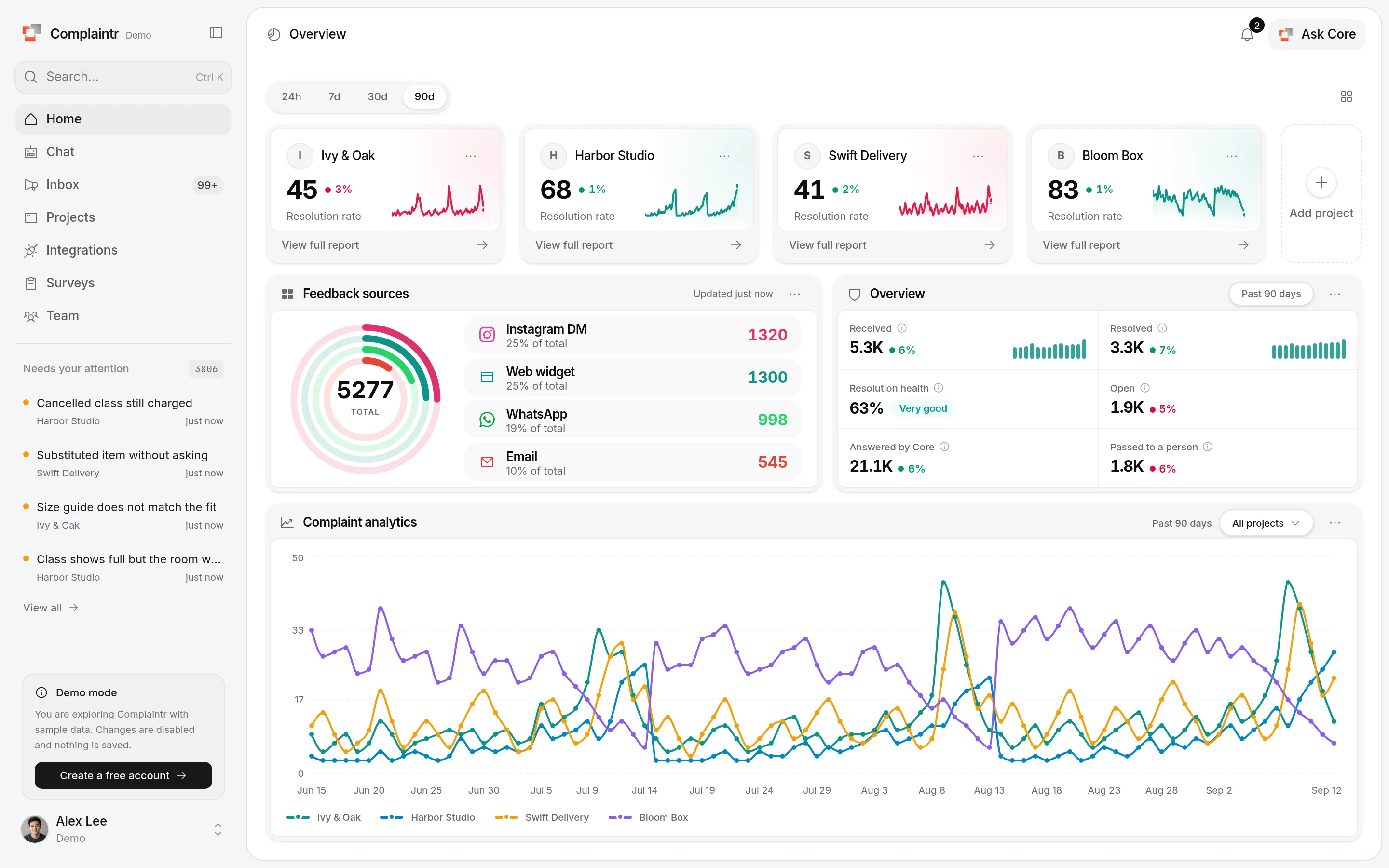
How many customers wrote, how many Core helped on its own, and what is still open.
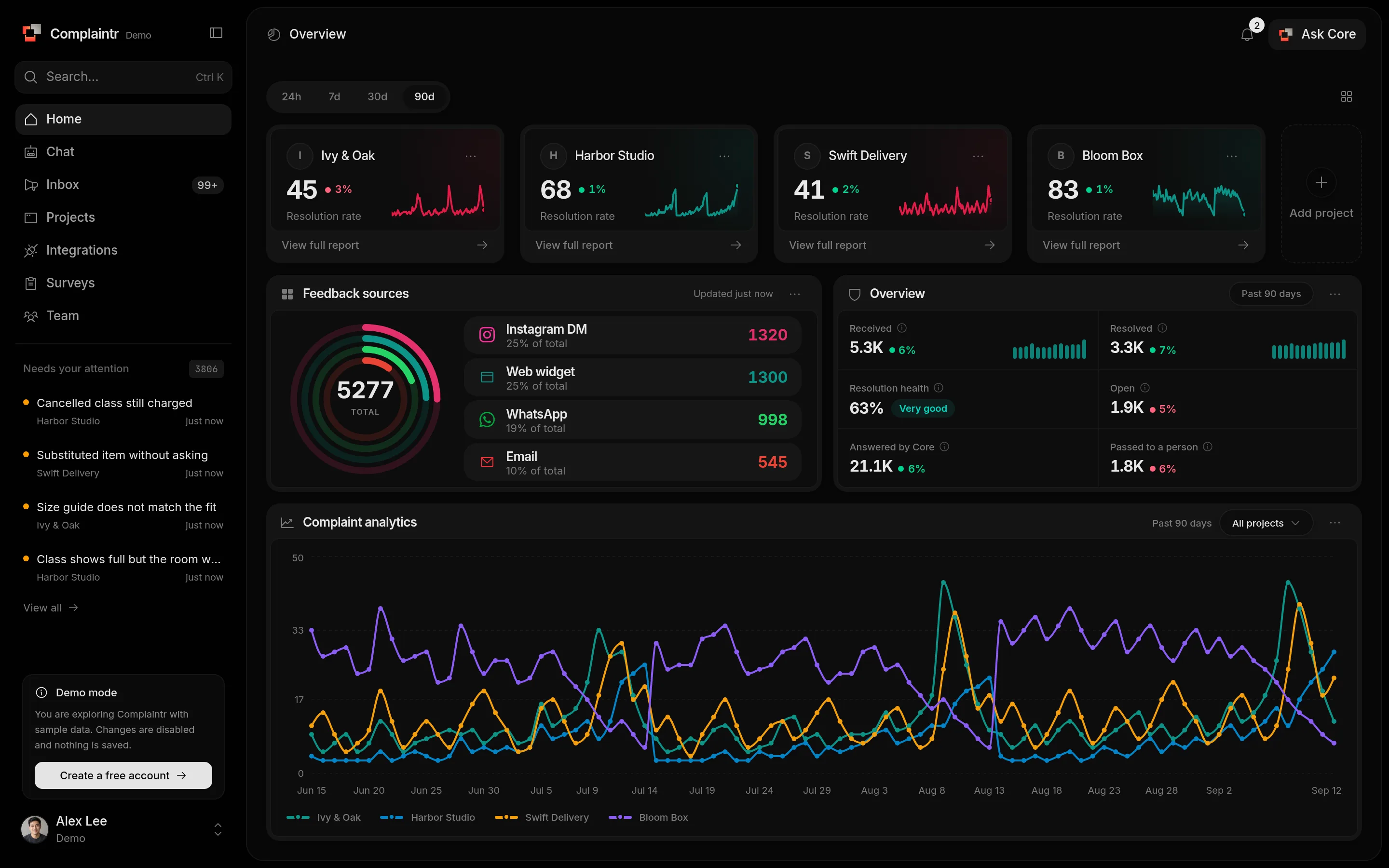
Overview is your daily check-in. It is Home when your landing page is Dashboard.
Period
Choose 24h, 7d, 30d, or 90d at the top. Every number follows the period and compares it with the period before.
Metrics
| Metric | Meaning |
|---|---|
| Received | Complaints filed in the period |
| Resolved | Of those, how many are resolved |
| Open | Of those, how many are still open |
| Resolution health | Resolved as a share of received. 60% or more reads Very good. |
| Answered by Core | Customer questions Core answered on its own, without filing a complaint or passing them on |
| Passed to a person | Messages Core passed to your team under Needs follow-up |
Answered by Core next to Passed to a person shows how much Core takes off your team. When the second grows, see what people ask under Needs follow-up and teach Core the answers.
Project cards
Each card shows a project's resolution rate and recent activity. Its menu opens the project, lists its complaints, or removes it from the dashboard. Click Customize dashboard to pin up to four projects. With none pinned, every project is shown.
Sources and trends
Feedback sources breaks complaints down by channel. Complaint analytics charts them over the period, for all projects or one at a time.
Weekly AI summary
- Open Overview and click Weekly AI summary in the header.
- Read the overview, key themes, critical issues, and recommended actions in the right panel.
- Expand Filters to narrow the complaints by search, project, status, source, severity, category, or dates, then click Apply filters.
- Open a linked complaint to inspect its details.
- The summary always covers the past 7 days, regardless of the Overview period selection. Date filters can narrow that window.
- When more than 200 complaints match, the panel shows how many were analyzed.
- The feature requires AI access and an available AI provider.
The summary opens beside the page. Core reads the past seven days of complaints and returns an overview, the main themes, critical issues, and what to do next. It ignores the period at the top. Use Filters inside the panel to narrow it down. When more than 200 complaints match, it says how many it read. The summary uses your monthly Core allowance.