
Settings
Your profile, sign-in security, preferences, and data.
Open Settings from the account menu at the bottom of the sidebar. It has six sections: Profile, Security, Preferences, Notifications, Plan and usage, and Data. Notifications and Plan and usage have their own pages.
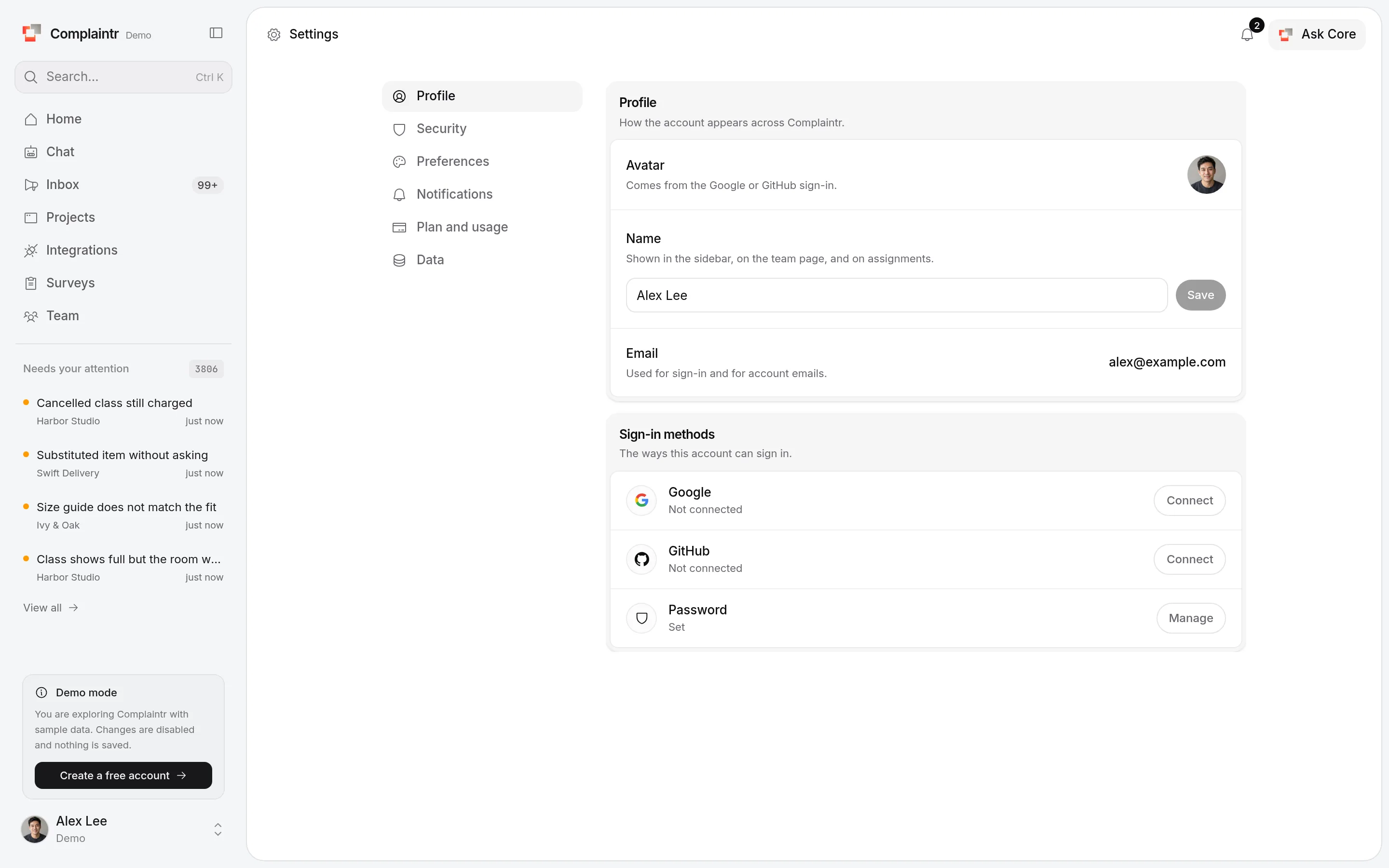
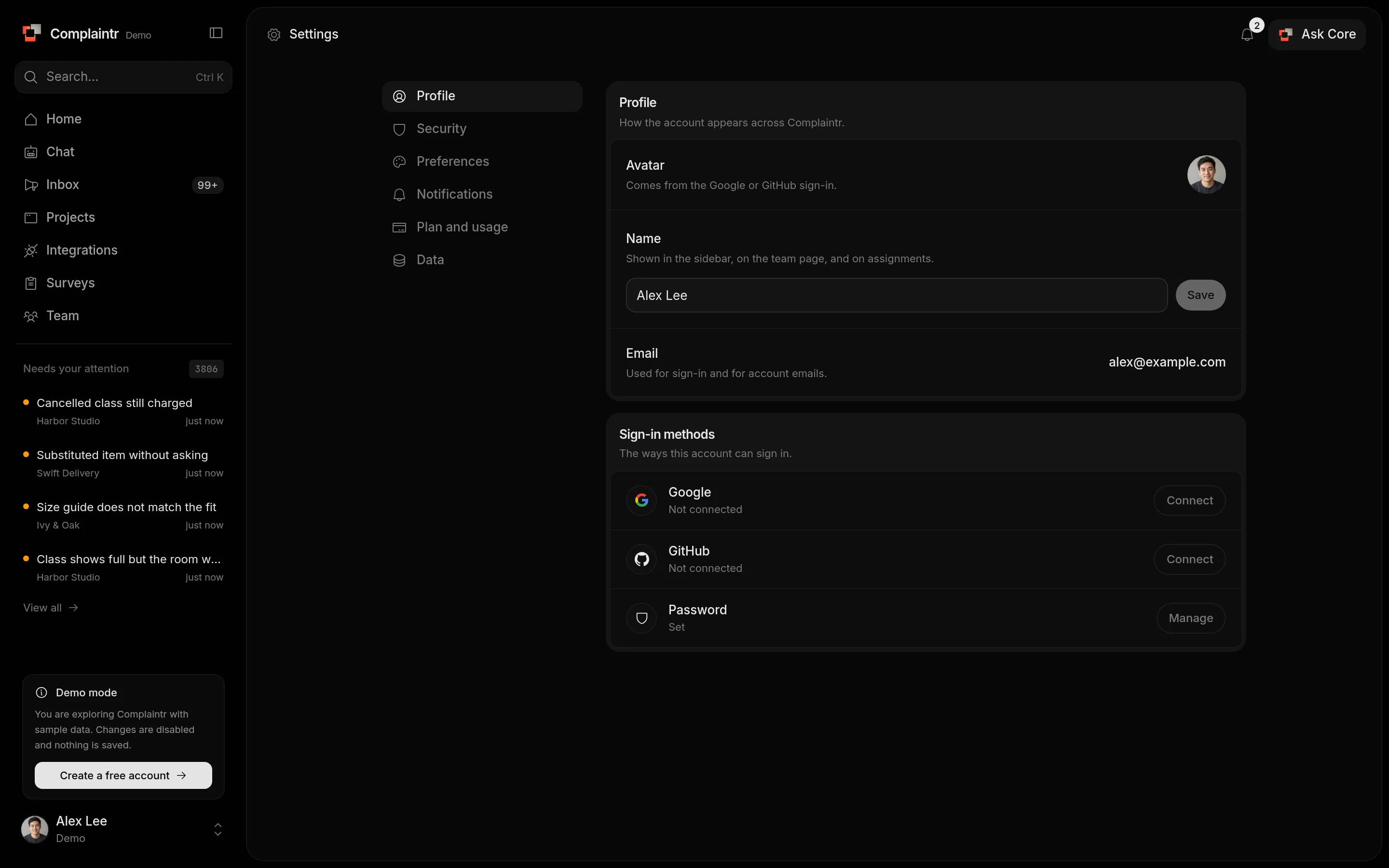
Profile
Change your Name. Your email and photo are shown for reference: the photo comes from your Google or GitHub sign-in.
Sign-in methods lists Google, GitHub, and Password. Connect links a Google or GitHub account that uses the same email address.
Security
- Password changes your password and signs out every other device. Accounts that sign in only with Google or GitHub have no password and do not see this.
- Passkeys lists, adds, and removes passkeys. A passkey signs in with your fingerprint, face, or screen lock. Adding one needs a recent sign-in, so sign in again if Complaintr asks.
- Two-step verification asks for a 6-digit code from an authenticator app at every sign-in, including with Google and GitHub. Turn it on, scan the QR code, enter one code, and keep the backup codes: each one signs in once when the app is not at hand. A passkey sign-in does not ask for a code.
- Active sessions lists the devices signed in to your account. Sign out one, Sign out other sessions, or Sign out everywhere. A device that is not used for 30 days is signed out by itself.
Preferences
- Theme: Light, Dark, or System, for this device.
- Language: English or Turkish, for the product, the website, and these docs.
- Product tour: Start the tour walks through the main pages again.
- Needs follow-up: what Core does when it cannot help a customer. See Needs follow-up.
Landing page
- Open Settings from the account menu at the bottom of the sidebar.
- Open the Preferences section and find Landing page.
- Choose Chat or Dashboard. The selection is saved immediately.
Dashboard opens Overview after you sign in, Chat opens Core. The choice also decides what Home opens in the sidebar.
Data
Export downloads every complaint of your projects (project, title, description, status, category, severity, channel, and dates) as CSV or JSON.
Delete account permanently removes your account with its projects, complaints, surveys, conversations, and team, and your team members lose access. Confirm by typing your email address, and your password if the account has one. An account without a password needs a sign-in from the last day.