
Projects
One project for each business your customers write to.
A project is a business, store, or site your customers write to, such as a hotel, a boutique, or an online shop. Every channel answers for a project, Core learns about each project separately, and every complaint belongs to exactly one.
Create a project
- In the sidebar, open Projects.
- Click New project.
- Enter the website and click Read my site. Complaintr fills in the name, icon, and description and designs the widget from the site. Without a website, choose I do not have a website yet and enter a Project name.
- Click Continue. To change the widget's look first, choose Customize the widget.
- Under Tell Core about your business, answer what applies (what you offer, hours, delivery, returns, payment, prices, how to reach a person) and click Continue.
- Under Put it on your site, pick your AI tool and paste its prompt, or choose Site builder, Send to my developer, or Add it myself. The project opens as soon as the widget is seen on the site.
- Send a test from the widget in the preview window or from the site, then click Open project.
- The project name is how every channel finds the project.
- Names are unique across Complaintr and are matched case-insensitively.
- A project with a website opens once the site is proven: the widget seen on it, a verification tag, a DNS TXT record, or a confirmed account email on its domain. Until then the name is held for 72 hours.
- A project can only be created on an account with an active plan and a free project slot.
New project opens the same flow as the first setup: enter the website, tell Core about the business, and put the widget on the site. A window on the left shows your site with the real widget on it and follows every choice.
- The name is how channels find the project. Keep it short and recognizable. Names are unique across all of Complaintr, ignore case, and are at most 100 characters. When a name is taken, Complaintr suggests another.
- The website is optional. A project with a website opens once you prove the site is yours: the widget seen on the site does that by itself, and so do a verification tag on the home page, a DNS TXT record, or a confirmed account email on the site's domain. Until then, the name is held for 72 hours.
- One owner. Each project has one owner, and so does each website. To work on a project someone else owns, ask the owner to invite you to their team.
When a project is created, Complaintr adds a sample complaint marked Test so you can see what a complaint looks like. It is left out of every count. Core also writes a first news item and a few help articles for the widget, in your language, which you can edit or delete.
How many projects you can create depends on your plan.
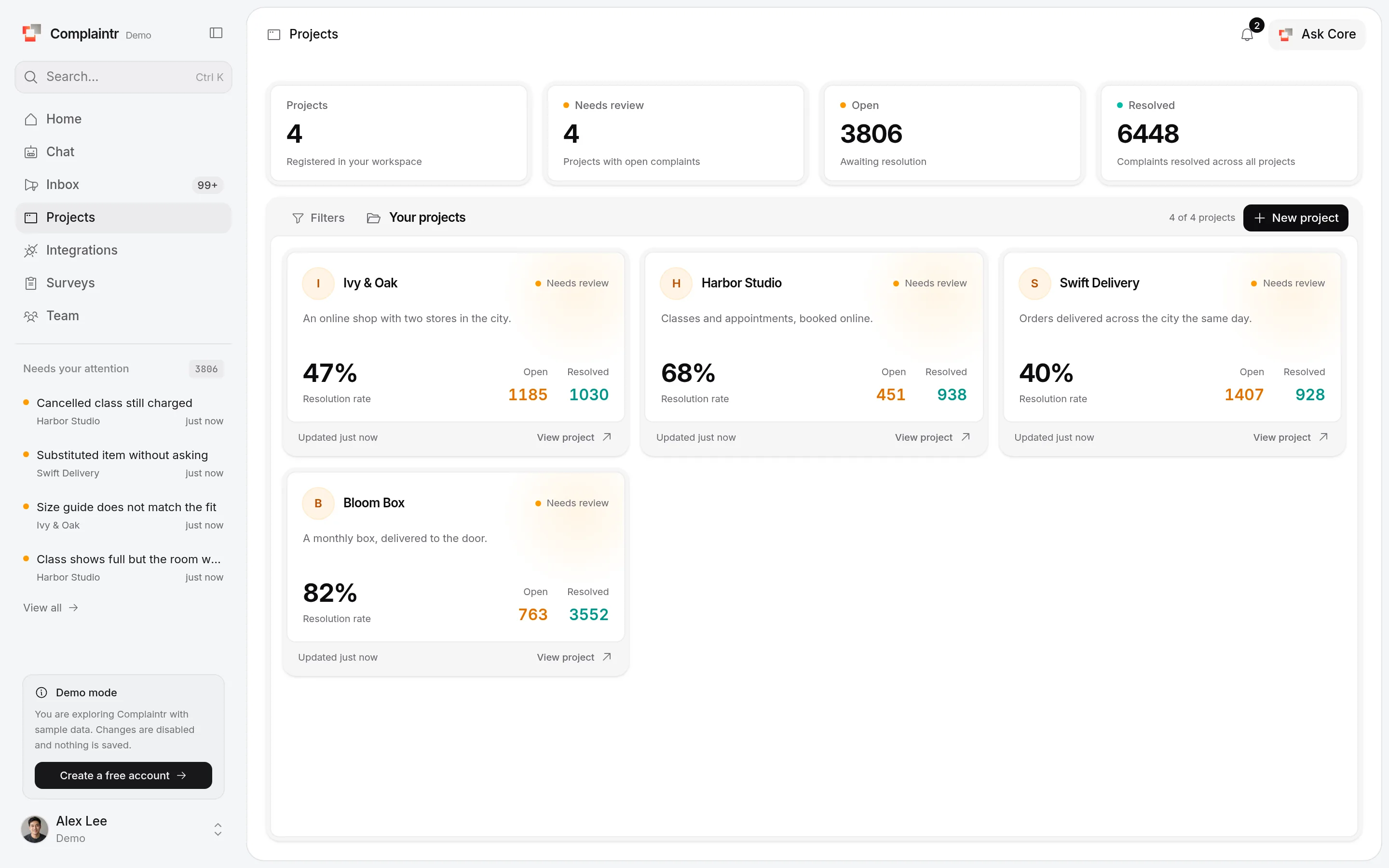
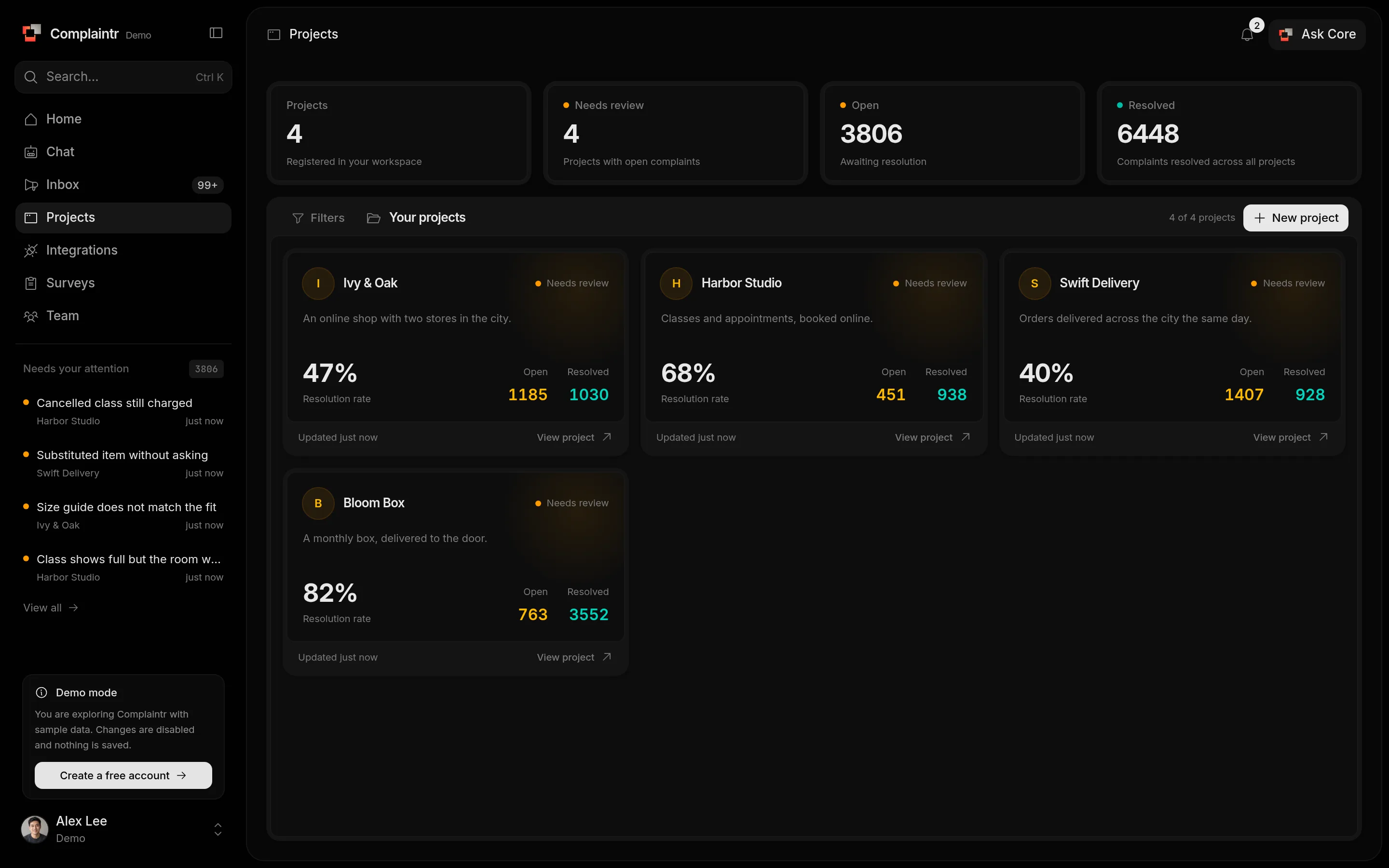
The project list
Each project card shows its open and resolved complaints, its resolution rate, and a health label. Search by name, or filter by health:
- Healthy: has complaints, and none are open.
- Needs review: at least one complaint is open.
- No activity: no complaints yet.
A project's page
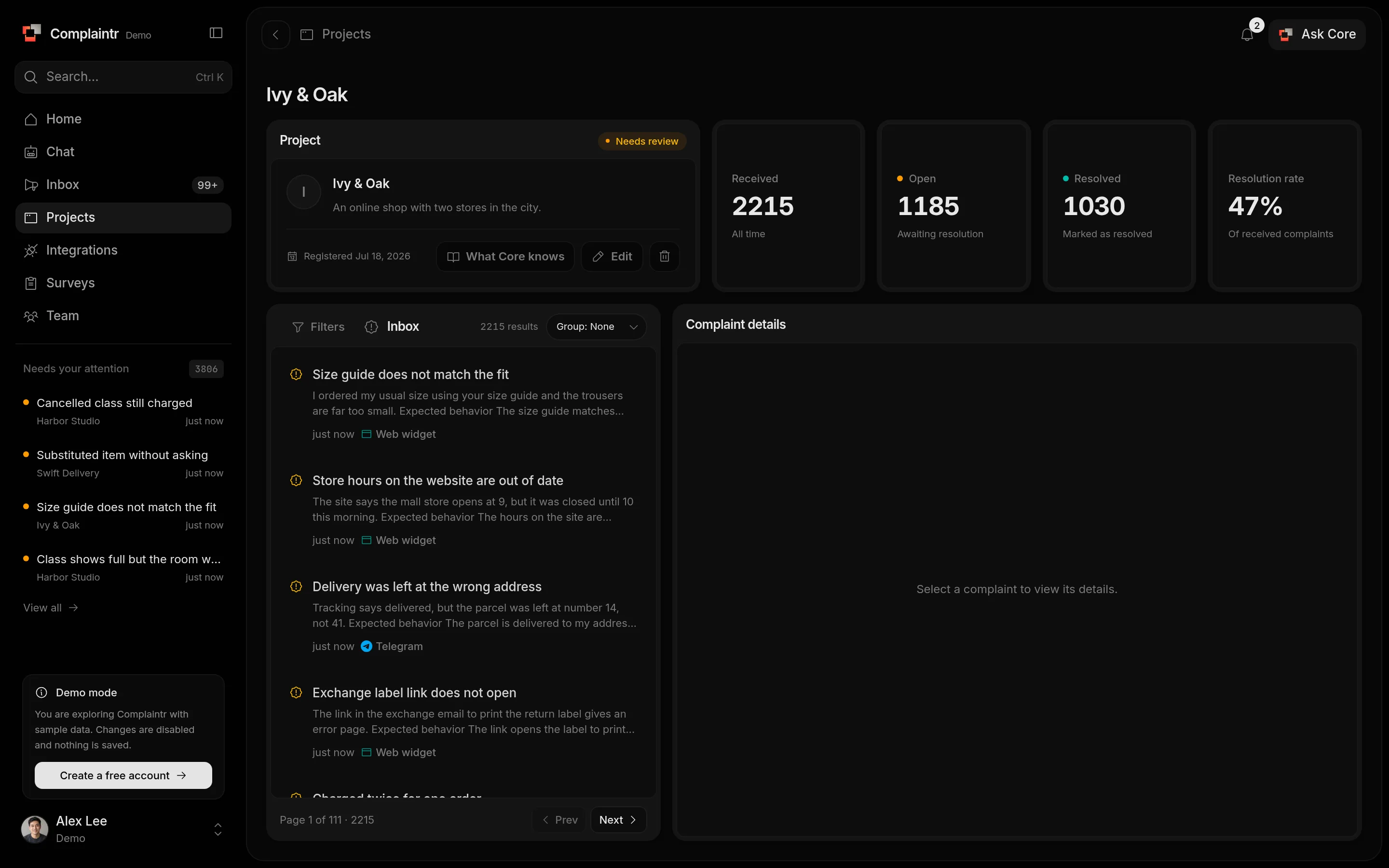
Open a project to see its received, open, and resolved complaints, its resolution rate, and an inbox with only its complaints.
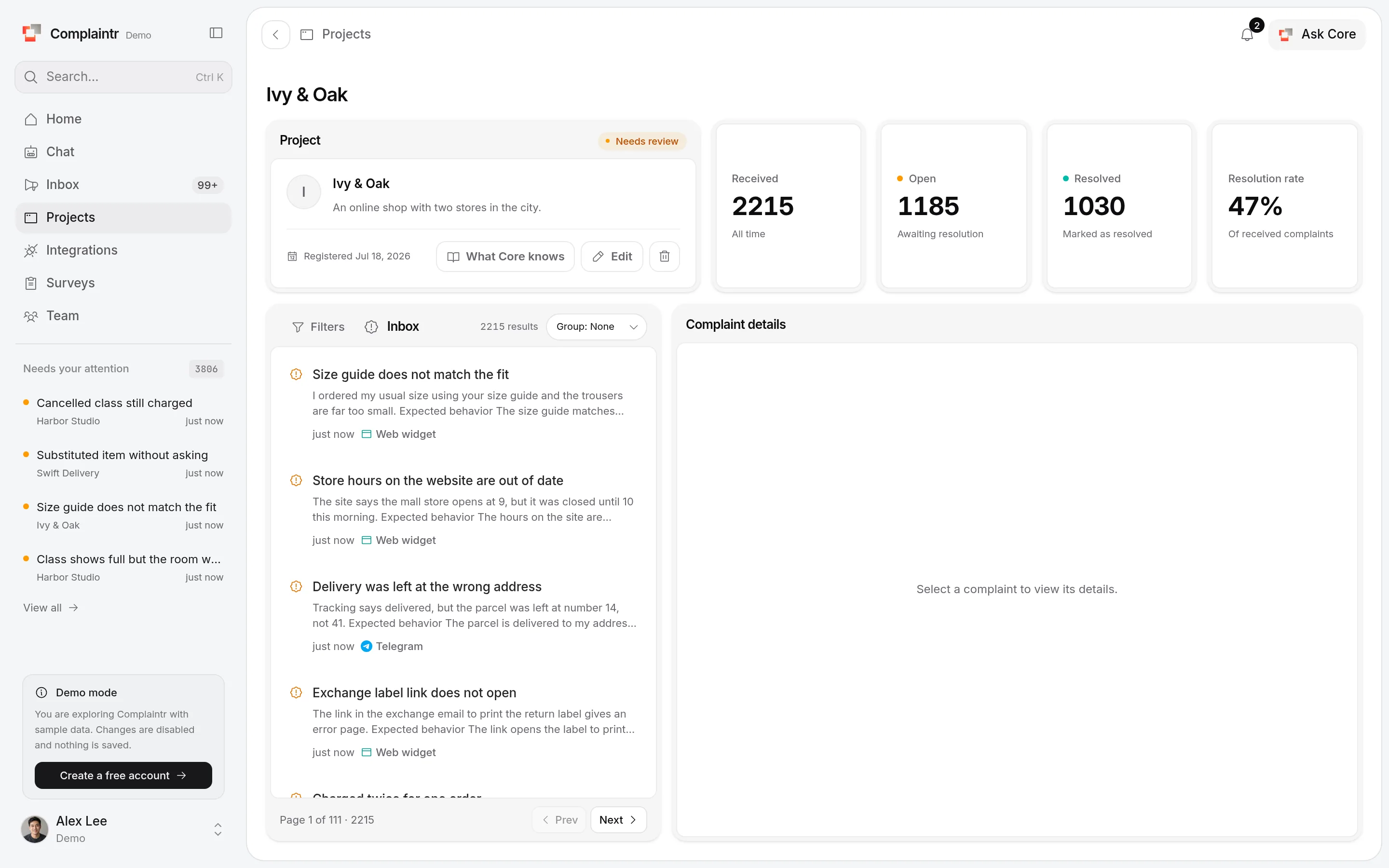
From here you can:
- Open What Core knows to teach Core about the business. See What Core knows.
- Choose which of your teams works the project's complaints. See Team.
- Edit the name or the description. After renaming, update anything that uses the old name, such as a script tag with
data-appor an API client. - Delete the project with the trash icon. This removes the project and every complaint in it, and cannot be undone.